
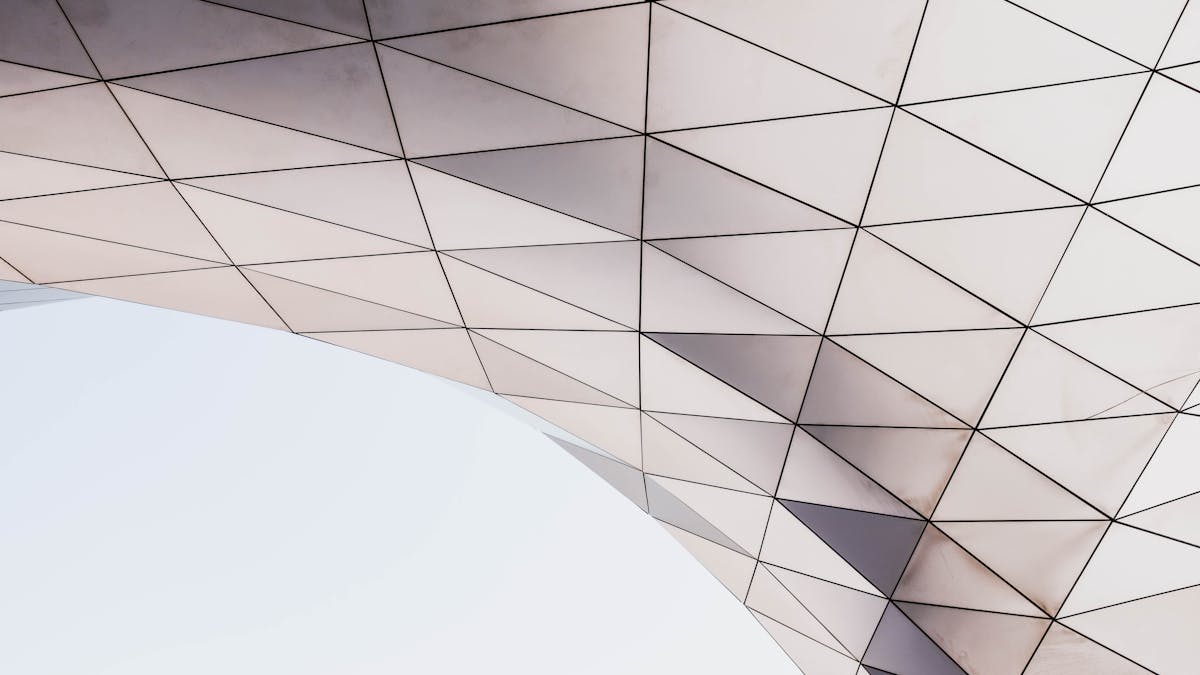
In 1934, Russian mathematician Boris Delaunay published a paper describing a way to triangulate a set of points. The paper was abstract and mathematical. Nobody could have predicted that 80 years later, his method would become one of the most popular artistic techniques in digital design.
The Delaunay Triangulation Explained
Given a set of points in a plane, the Delaunay triangulation is the unique triangulation where no point is inside the circumcircle of any triangle. In other words, it maximizes the minimum angle of all triangles in the mesh - avoiding thin, flat triangles that look bad.
This mathematical property has a beautiful consequence: the Delaunay triangulation looks natural to the human eye. Triangles are roughly equilateral, avoiding distortions.
Delaunay and Voronoi: The Duality
Remember Voronoi diagrams? Here's the connection: the Delaunay triangulation is the dual of the Voronoi diagram. If you connect the seeds of neighboring Voronoi cells, you get the Delaunay triangulation. It's the same information, viewed from a different angle.
How to Create Low-Poly Art
The algorithm for creating low-poly art is surprisingly simple:
- Analyze your image to find interesting points (edges, corners, color changes)
- Compute the Delaunay triangulation of those points
- Color each triangle with the average color of its region
- Render the triangles to create a faceted, stylized version of your image
The Low-Poly Aesthetic
The beauty of low-poly art lies in the contrast between geometric simplicity (the triangles are clean, mathematical) and organic complexity (the triangle pattern respects features in the image). A face represented in triangles still looks like a face, but it's stylized and abstract.
The effect gained massive popularity in the 2010s for several reasons:
- Visual impact: It's instantly striking and unique
- Computational elegance: The algorithm is efficient even for complex images
- Versatility: Works on any photo - portraits, landscapes, anything
- Customization: Adjusting point density creates different styles
Point Placement Strategies
The quality of the low-poly result depends heavily on where points are placed:
Random sampling: Fast, but creates uniform triangles that don't respect image features.
Edge detection: Place points at edges and corners. Preserves silhouettes and important features.
Feature-based: Detect eyes, nose, mouth (for portraits) and place points there.
Adaptive sampling: Place more points in complex regions, fewer in simple regions.
Delaunay in 3D
The Delaunay triangulation also exists in 3D (and higher dimensions), creating tetrahedra instead of triangles. This has applications in mesh generation, finite element analysis, and 3D modeling. But for artists, 2D is where the magic happens.
Related Algorithms
Constrained Delaunay: Adds line constraints that must be respected in the triangulation.
Bowyer-Watson algorithm: The practical algorithm most implementations use to compute Delaunay triangulations efficiently.
Ready to try it? Open GlitchArt Studio and experiment with this effect.